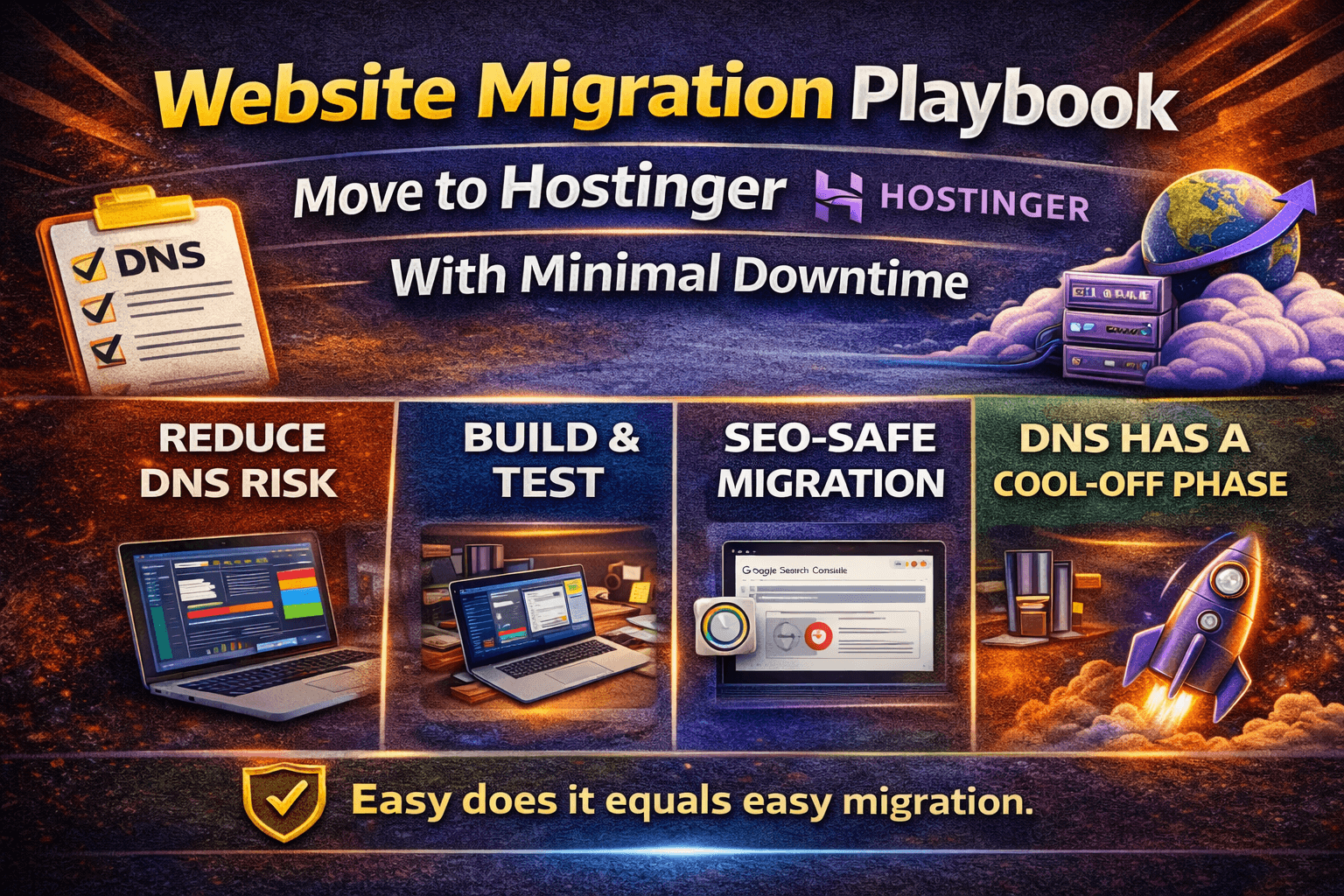
A site migration feels scary because it mixes two failure modes: technical breakage and SEO anxiety. The good news is that most downtime and ranking issues come from a handful of avoidable mistakes — especially rushing DNS changes without a rollback plan.
This playbook shows a safe migration path to Hostinger (or any new provider). It’s written for small business sites and content sites where uptime and trust matter.
Before you move: reduce DNS risk
Lower your DNS TTL 24 hours before the switch (if your current DNS allows).
Export a full backup (files + database).
Write down current DNS records (A, AAAA, CNAME, MX, TXT).
Confirm where your email is hosted — email is the #1 migration surprise.
Migration options (pick the least risky)
Host-assisted migration: best for beginners if available.
Plugin-based migration (WordPress): convenient, but test carefully.
Manual migration: most control; best for technical users.
The safe sequence: build, test, then switch
Create the new site on Hostinger and import your content.
Preview the site on a temporary URL or hosts-file override.
Verify SSL works and redirects are correct.
Check forms, checkout, and search (anything interactive).
Only then update DNS to point traffic to the new host.
SEO-safe migration checks
Most ranking drops after migrations come from URL changes, broken redirects, and robots mistakes. If you keep URLs the same and avoid blocking crawlers, SEO usually stabilizes quickly.
Keep permalinks identical to the old site
Verify 301 redirects for any changed URLs
Ensure robots.txt does not block important pages
Submit your sitemap again in Search Console
Monitor 404s for the first week and fix quickly
Email gotcha: don’t break your inbox
If your domain email is hosted somewhere else (Google Workspace, Microsoft 365, etc.), your DNS MX records must remain correct after you change hosting. Moving web hosting does not require moving email — but DNS mistakes can break email instantly.
Post-migration validation (first 60 minutes)
Run a quick speed test on mobile (page weight and LCP).
Check mixed-content warnings in the browser console.
Verify analytics is still tracking.
Confirm backups are enabled on the new host.
Watch error logs for unexpected spikes.
Migrations don’t have to be dramatic. If you treat DNS as a controlled rollout — and you validate email and redirects — you can move to Hostinger confidently with minimal downtime and minimal SEO risk.