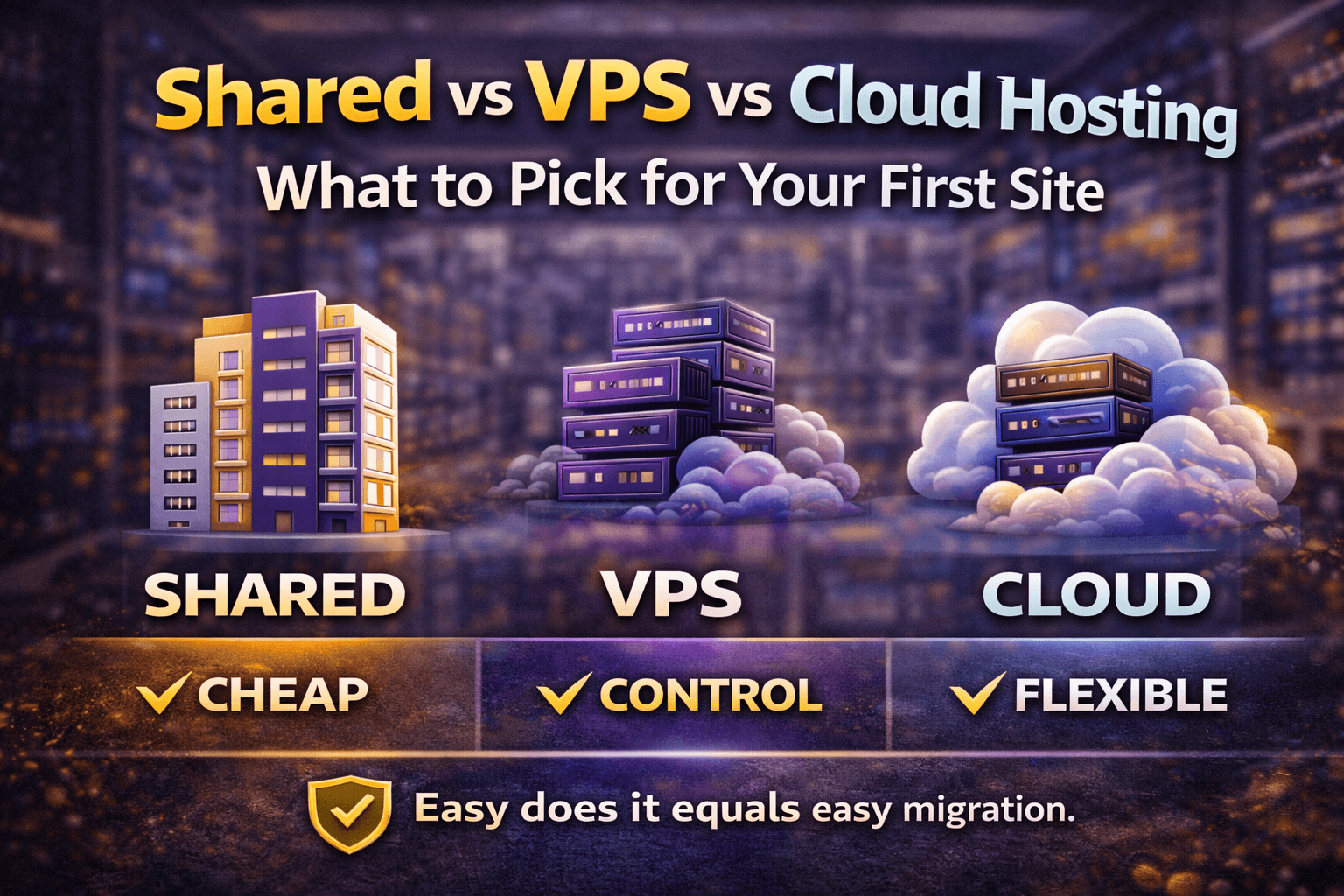
Choosing hosting is confusing because the labels sound like product categories, but they’re really trade-offs: cost vs control vs consistency. The right plan depends on what you’re building and what happens if your site is slow for a few hours.
Shared hosting (the ‘starter apartment’)
Shared hosting means many sites live on the same server. It’s cheap and easy because the host manages the underlying system. For a first blog, a portfolio, or a small business site, shared hosting can be the fastest path to launch.
Best for: early-stage sites, simple WordPress, low-to-moderate traffic
Pros: low cost, beginner-friendly panels, quick setup
Cons: performance can vary, resource limits are real
VPS hosting (the ‘private unit’)
A VPS (virtual private server) gives you a slice of resources reserved for you. Performance is more predictable, and you get deeper control. But you also inherit more responsibility: updates, security, and configuration (unless it’s managed).
Best for: growing sites, multiple projects, custom stacks
Pros: isolation, predictable resources, more flexibility
Cons: more setup/maintenance unless managed
Cloud hosting (the ‘elastic building’)
Cloud hosting is a broad term, but the common promise is flexibility: scale resources up (and sometimes down) when demand changes. Some cloud plans feel like upgraded shared hosting; others are closer to VPS with automation.
Best for: sites with traffic spikes, performance-sensitive pages
Pros: scaling options, often better resilience
Cons: pricing can be less predictable, feature sets vary
How to decide in 3 questions
How expensive is a slow site? If you sell products or leads, treat speed as revenue.
How technical do you want to be? More control usually means more responsibility.
Will you run heavy plugins/apps? WooCommerce and page builders change the math.
A simple ‘don’t overbuy’ path (Hostinger-friendly)
Many creators do best starting with a solid shared plan, then upgrading when the site proves it has traction. Hostinger’s ecosystem makes it straightforward to start small, learn the panel, and move to a stronger plan later without changing providers on day one.
Start: shared hosting + CDN + caching
Upgrade 1: managed WordPress / higher-tier shared when you outgrow limits
Upgrade 2: cloud/VPS when performance becomes a bottleneck
Signals it’s time to upgrade
Your admin dashboard becomes slow even with caching
You regularly hit CPU/memory limits
Traffic spikes cause errors or timeouts
Your site is stable but ‘feels’ slow on mobile networks
The best hosting plan is the one that matches your current needs and gives you a clear upgrade path. Start where you can launch confidently, then upgrade when data (not fear) tells you it’s worth it.